 Connect to Gmail
 Connect to Outlook
Give every message a place.
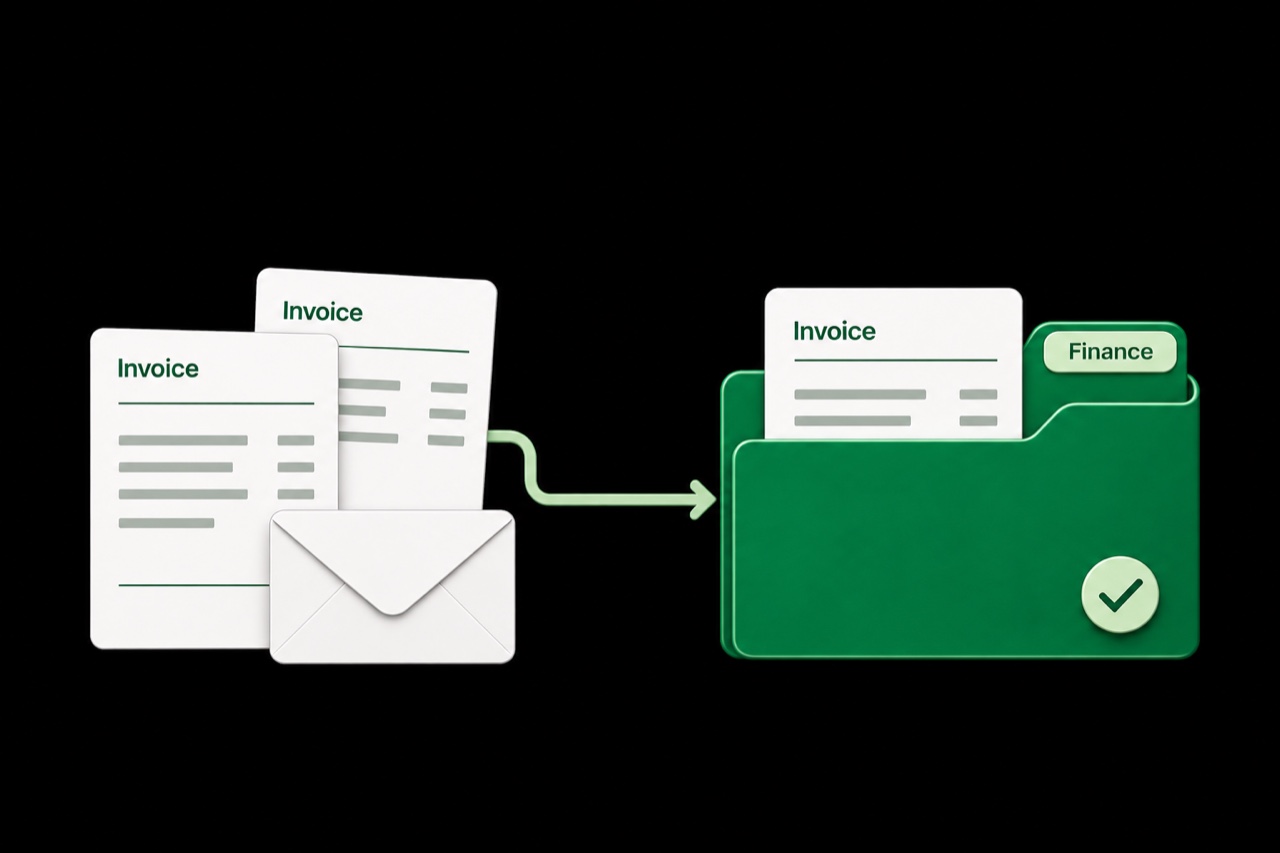
Describe a rule in plain language. Invoices go to Finance. Newsletters go to Reading. Your inbox stays focused.
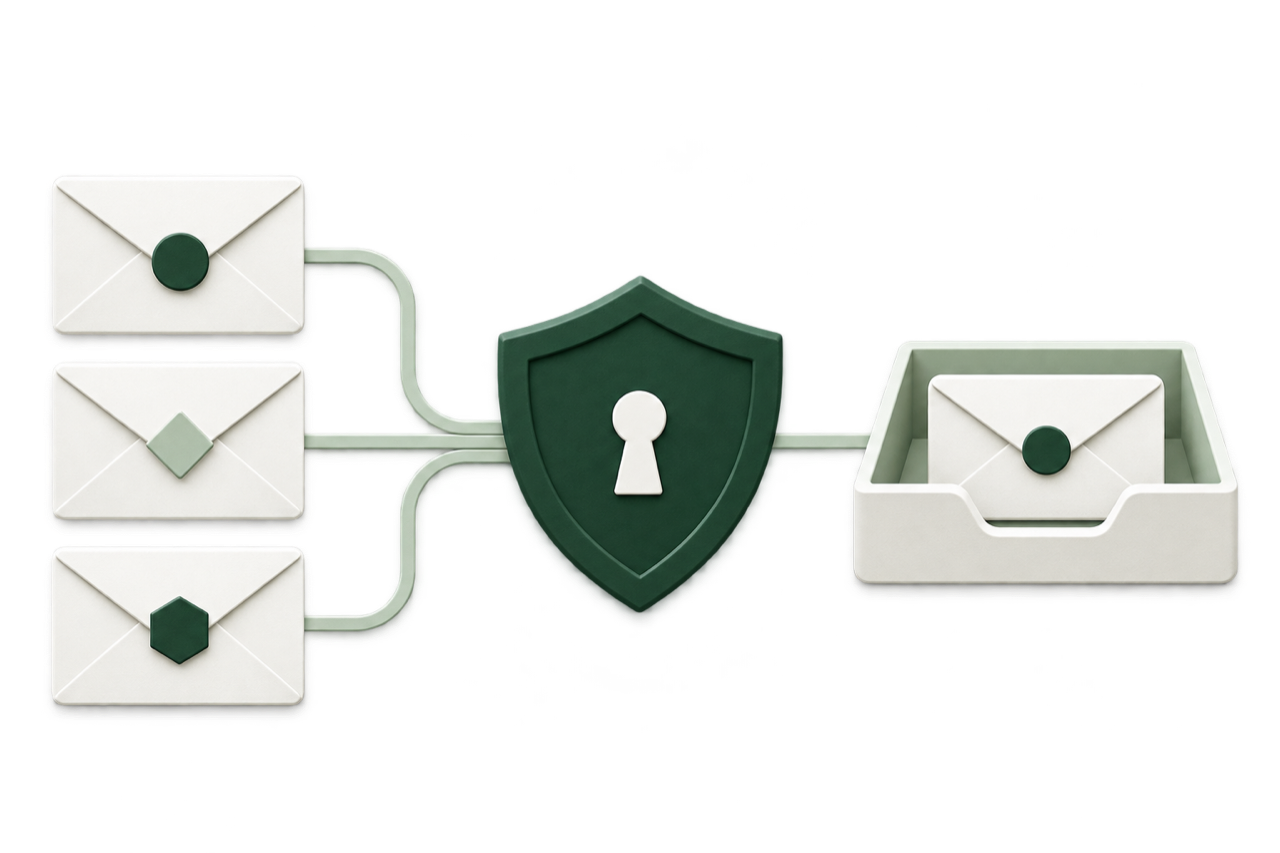
Spam and phishing protection that examines the sender, content, links, and visual details of your email.

 Gmail
Gmail Outlook
The threat in numbers
Convincing emails can put passwords, payments, and private information at risk.
46M+
Detected by Microsoft in the 12 months covered by its 2026 report.
Microsoft · 2026 (opens in a new tab)$3B+
Losses reported to the FBI’s Internet Crime Complaint Center in 2025.
FBI Internet Crime Report · 2025 (opens in a new tab)23%
Reported by Microsoft in 2026, up from 7% in its previous annual report.
Microsoft Digital Defense Report · 2026 (opens in a new tab)How Spamwise protects you
Spamwise brings together visual inspection, sender signals, and message context to spot signs of phishing, impersonation, and fraud.
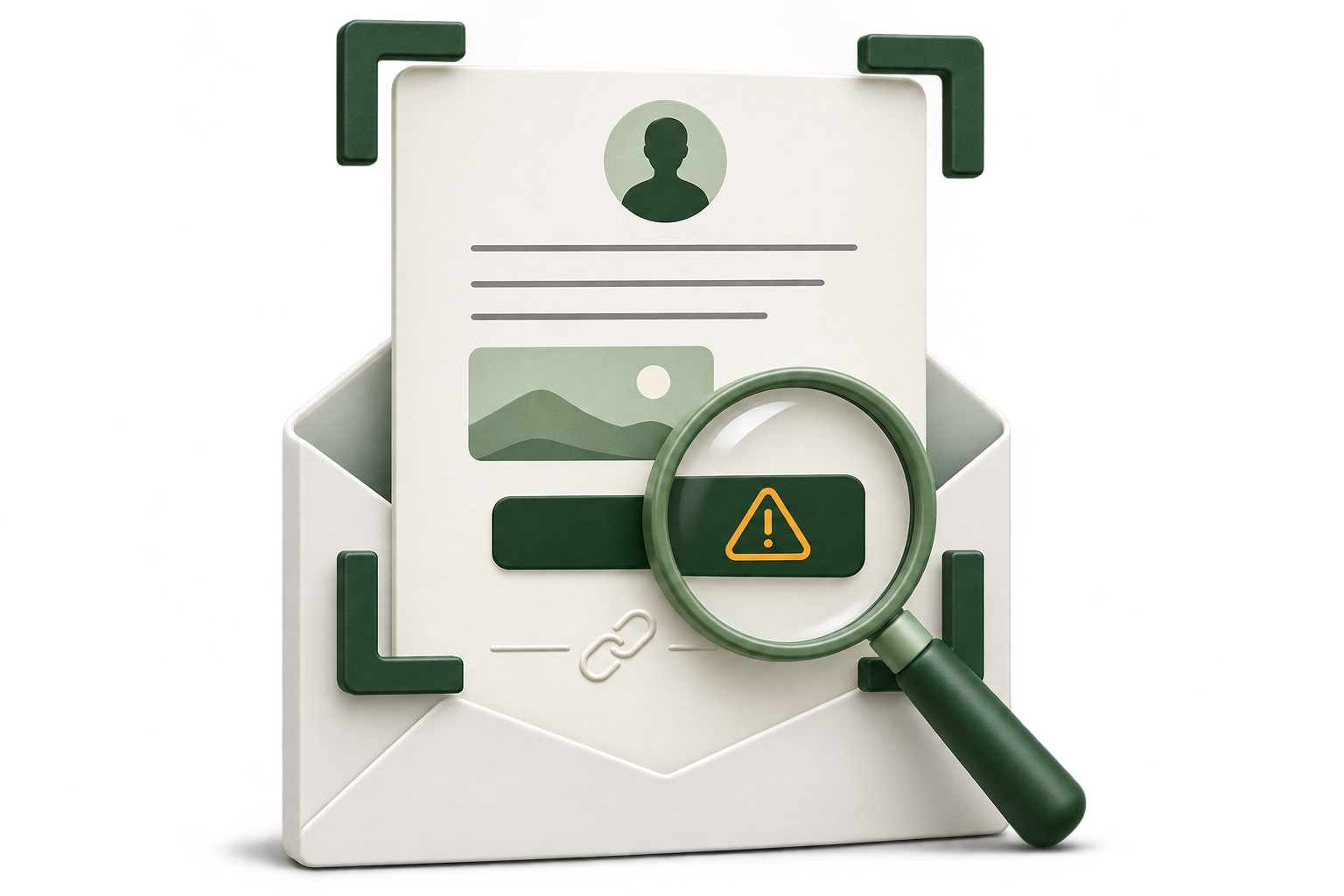
When an email preview is available, Spamwise examines its images, branding, and layout for visual signs of deception.
Reviews sender and reply-to details, plus SPF, DKIM, and DMARC results from the email’s headers.
Looks for pressure tactics, impersonation, suspicious payment requests, and other signs of phishing or fraud.
Compares link text with embedded URLs and considers attachment names and file types alongside the message.
Uses your mailbox context and, when useful, previous messages and your feedback to assess whether an email is expected.
Flagged threats move to spam according to your protection settings. Review the score and reasons in your workspace.
Your inbox. Your controls.
Set the rules, choose who gets through, and give Spamwise the context to understand your email.
Describe a rule in plain language. Invoices go to Finance. Newsletters go to Reading. Your inbox stays focused.
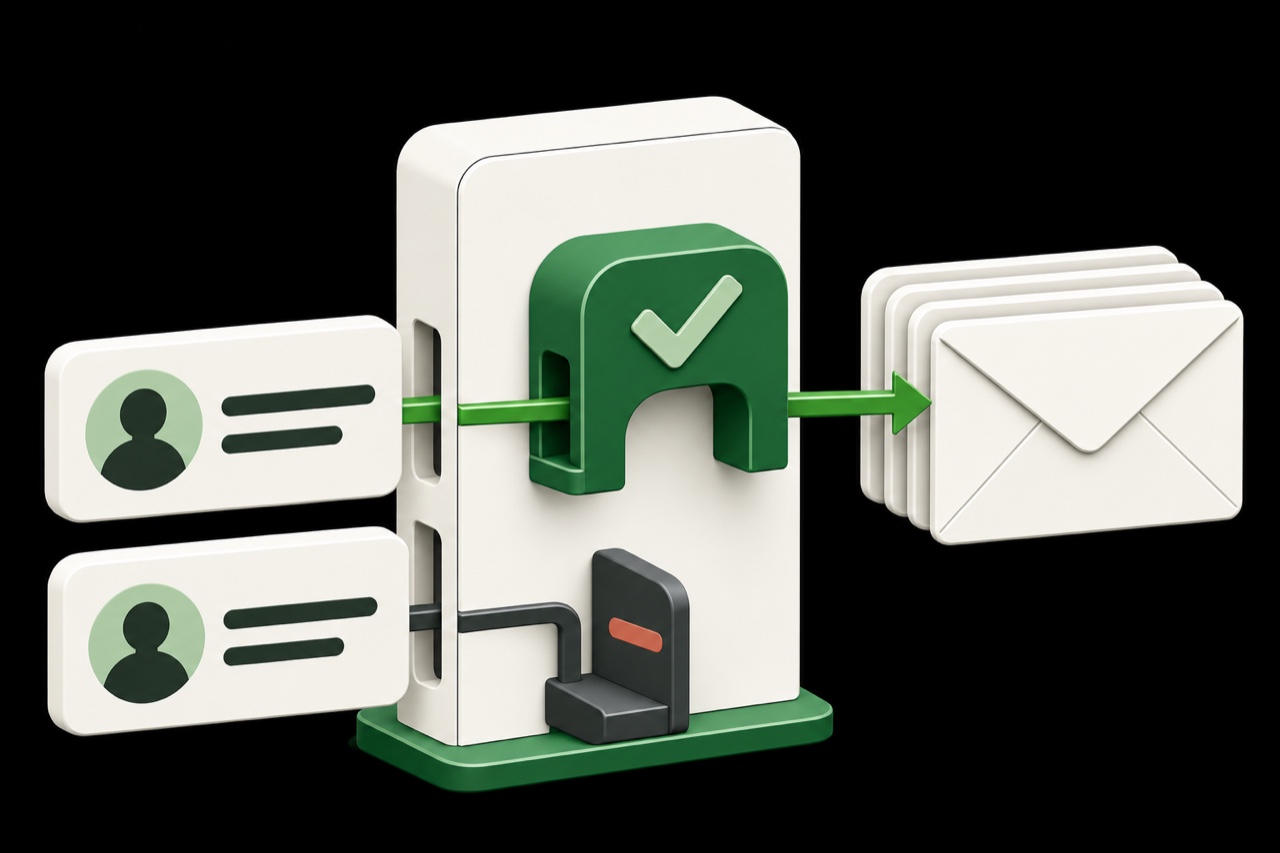
Allow trusted contacts, deny unwanted email, and leave the rest to automatic filtering.
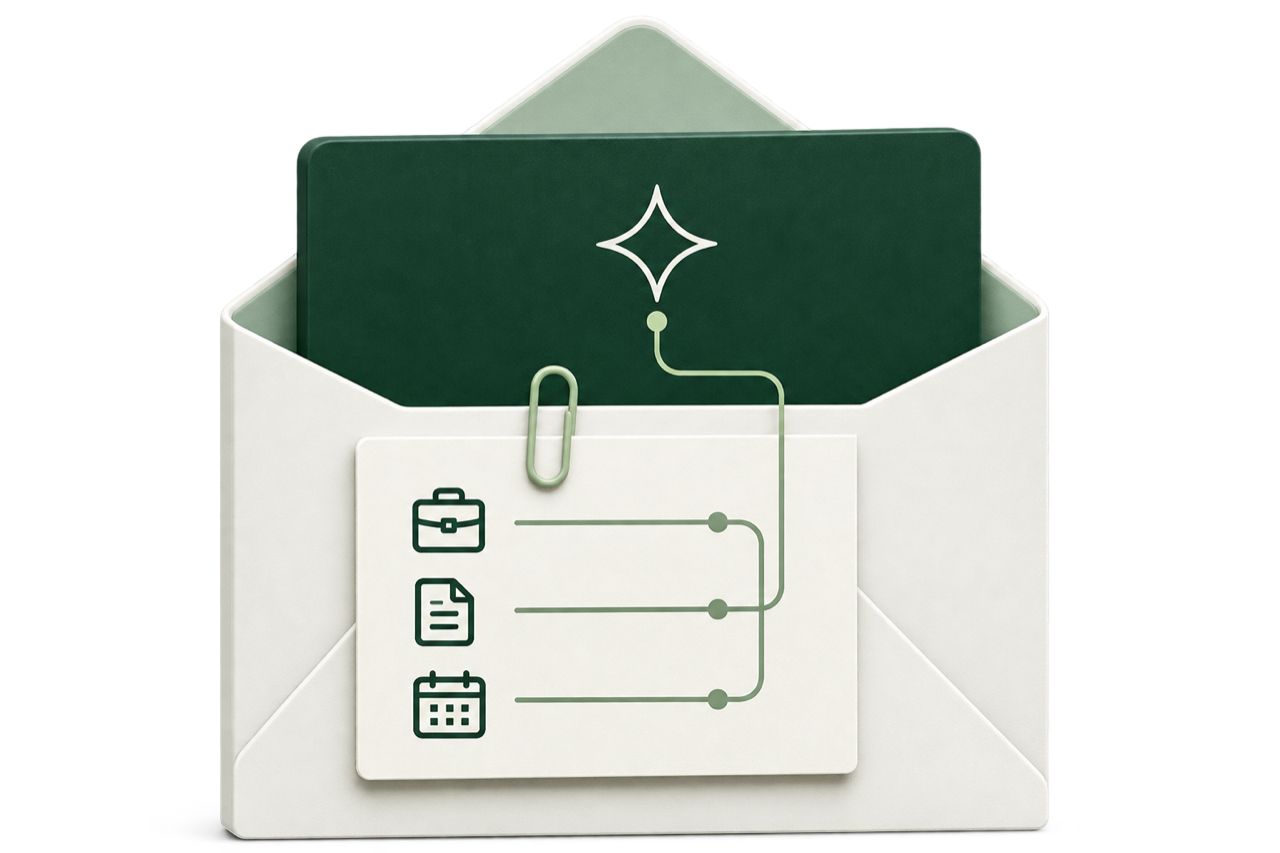
Tell Spamwise about your work and the messages you expect. Account and mailbox context help guide future email analysis.
Create relay addresses for shopping, newsletters, and signups. Mail arrives in your connected inbox. Disable an address when you’re done with it.
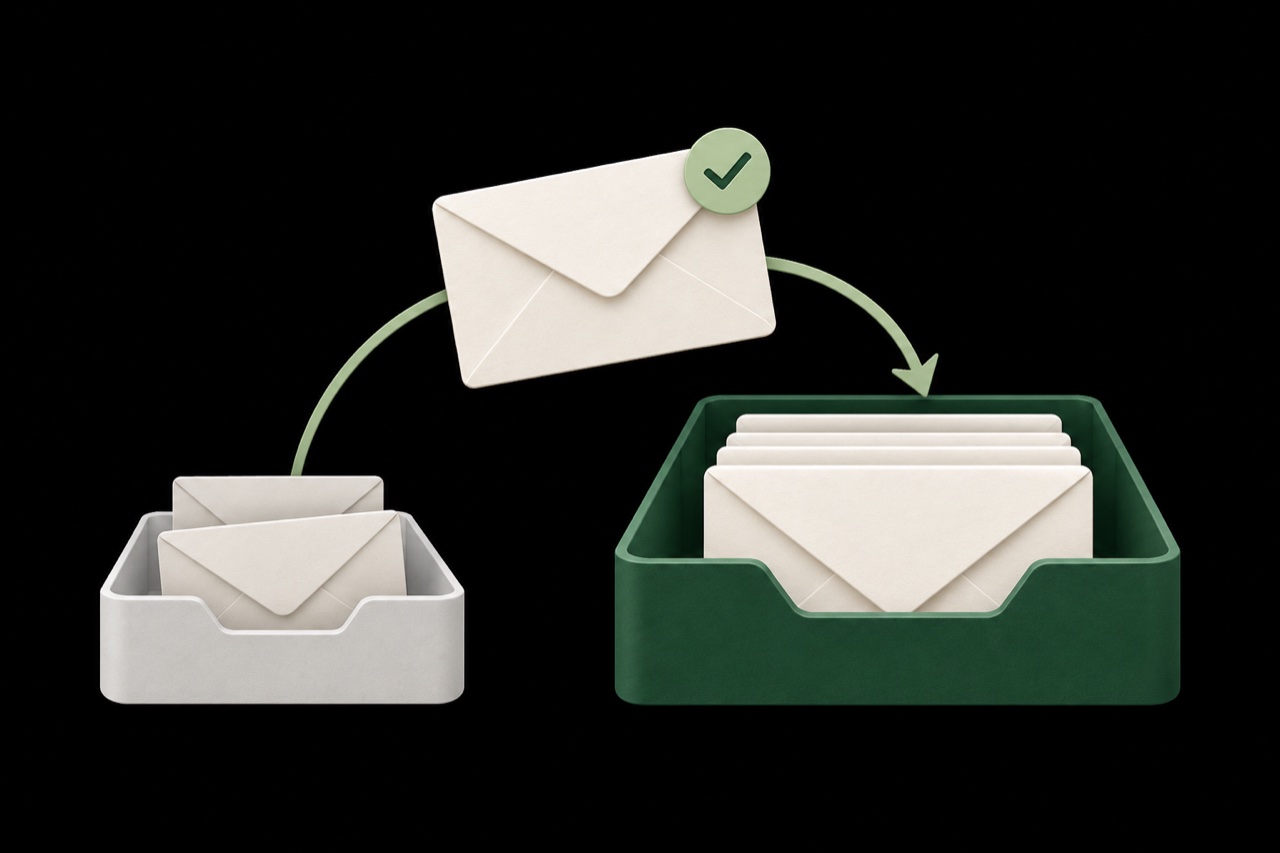
Important replies and receipts can land in junk. Spamwise rechecks that folder and returns messages it identifies as legitimate to your inbox. Your allow and block rules still apply.
Your email and your privacy
Spamwise reads email and updates folders or labels to filter and organize your inbox. Gmail and Outlook connections use your provider’s sign-in and permission screens.
Selected headers, email content, links, and the context you provide are sent to OpenAI for analysis. This can also include a rendered preview of the email.
Sender details, subjects, timestamps, and results are kept for your activity history. Saving previews and inputs for reanalysis is optional, off by default, and limited to seven days.
Remove a mailbox to stop filtering and delete its message history in Spamwise, or revoke access with your email provider. Saved previews and analysis files are removed by scheduled cleanup.

Steve Bauman
Founder, Spamwise
I used to start the day clearing newsletters, cold pitches, and spam. I built Spamwise to handle that clutter, so the messages I care about have room to breathe.

Find your fit
See how Spamwise compares with built-in filtering, inbox organizers, and business security tools.
| Capability | SpamwiseProtection & control | GmailBuilt-in filtering | OutlookBuilt-in filtering | SaneBoxInbox organization | Material SecurityBusiness security |
|---|---|---|---|---|---|
| Filtering approach | Sender, content & visual analysis | Built-in spam & phishing protection | Built-in spam & phishing protection | Email importance & prioritization | Threat detection & response |
| Filtering controls | Strength, categories & personal context | Filters & blocked senders | Junk settings & sender lists | Sender & folder training | Organization security policies |
| Custom rules | Plain-language rules & AI sorting | Search-based filters & labels | Inbox rules, with Copilot-assisted setup | Trained custom folders | Custom threat detections |
| Reviewing decisions | Spam score & specific written findings | Spam warnings & folder review | Junk warnings & folder review | Folder review & training | Threat investigation details |
| Email accounts | Gmail, Google Workspace, Outlook, Microsoft 365 & IMAP | Gmail & Google Workspace | Outlook & Microsoft 365 | Gmail, Outlook & IMAP | Google Workspace & Microsoft 365 |
| Getting started | Connect online, no sales call | Included with your account | Included with your account | Sign up for an online trial | Guided trial with an engineer |
| Your own OpenAI key | No Spamwise subscription required | Not listed | Not listed | Not listed | Not listed |
Bring your own OpenAI key and pay OpenAI directly for usage. Private Relay is available with managed AI.
Reviewed November 6, 2026. Gmail and Outlook refer to their native mailbox filtering. Copilot-assisted rule creation depends on availability and licensing. Material is an organization-wide security platform. SaneBox focuses on inbox prioritization.
“Not listed” means we did not find an option in the linked product documentation. Features can vary by plan. Visual analysis in Spamwise runs when an email preview is available.
Simple pricing
Try it free for 14 days. Choose monthly or annual billing, per mailbox.
For personal or work email.
AI processing included.
Per mailbox, billed monthly.
Start your free trialIncluded with your subscription
Prefer to bring your own?
$0to Spamwise
OpenAI usage billed separately.
Connect your own OpenAI API key for filtering, sorting rules, and sender controls. Private Relay is unavailable while using your own key.
Get started with your keyConnect Microsoft 365 or Google Workspace mailboxes.
Questions and answers
Something else on your mind?
We’re here to help.
Start with a 14-day free trial
Connect your email. Set your preferences. Let Spamwise handle the filtering.
Keep your email address and your email app.