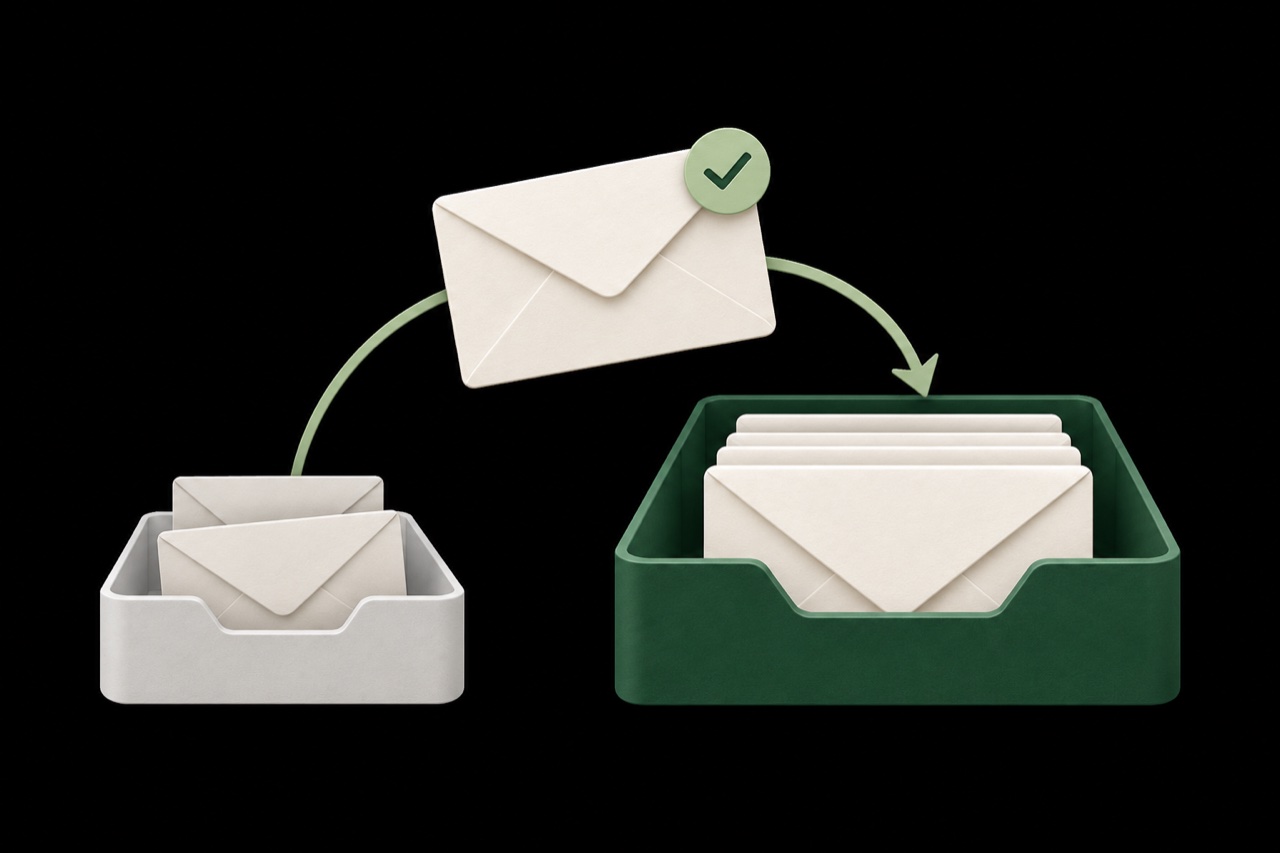
Choose the mailboxes you protect.
Connect your organization and add the mailboxes you need. Review their connection status and manage protection from one place.
Spamwise for Google Workspace
Protect your team’s Gmail inboxes from phishing, scams, and spam. Spamwise also removes matching calendar invitations linked to filtered spam.
14-day free trial · No MX changes

Fits your existing setup
Spamwise connects to Gmail through Google’s APIs and processes messages after delivery. Keep your existing mail routing and the email apps your team already uses.
Spamwise detects phishing and spam after delivery and moves flagged threats out of the inbox automatically. Your team keeps working in Gmail.
When Spamwise filters a spam email, it also removes matching Google Calendar events and invitations linked to that message.
Search your Workspace directory and add the mailboxes you want to protect. Assign members read-only access to their mailbox activity with Google sign-in.
Team-wide visibility. Mailbox-level control.
Manage your connected inboxes from one workspace, with filtering preferences that reflect how your organization works.
Connect your organization and add the mailboxes you need. Review their connection status and manage protection from one place.
Describe your business at the account level, then tailor context for individual mailboxes. Expected messages can look different for sales, finance, and support.
I’m a freelance developer. I expect client enquiries, GitHub notifications, invoices, and meeting summaries.
Use plain-language rules to move invoices, newsletters, and other recurring messages into the right folders automatically.
Move invoices and payment receipts to Finance.
See how senders are handled. Allow trusted contacts, deny unwanted email, and use automatic filtering for everyone else.
Sarah Chen
sarah@studio.example
Linear
notifications@linear.example
Try a setting for Sarah
Sarah’s messages can reach your inbox.
Customer replies and invoices can land in junk. Spamwise rechecks that folder and returns messages it identifies as legitimate to your inbox. Your allow and block rules still apply.

Getting connected
Sign in to Spamwise, open Integrations, and choose Google Workspace to see your setup instructions.
A super administrator adds the client ID and permissions shown in Spamwise to Google Admin’s domain-wide delegation settings.
Return to Spamwise and continue with Google. Search your directory, add mailboxes, and set your filtering preferences.
Google’s authorization changes can take up to 24 hours to apply. Spamwise’s setup dialog includes the permissions and instructions you need.
Simple pricing
Try it free for 14 days. Choose monthly or annual billing, per mailbox.
AI processing included.
Per mailbox, billed monthly.
Connect Google WorkspaceProtection for every connected inbox
Prefer to bring your own?
$0to Spamwise
OpenAI usage billed separately.
Connect your own OpenAI API key for filtering, sorting rules, and sender controls. Private Relay is unavailable while using your own key.
Get started with your keyQuestions and answers
Something else on your mind?
We’re here to help.
Start with a 14-day free trial
Connect the inboxes your team already uses.
Keep your email address and your email app.